Checkable Spot (Green Navi)
Checkable Spot (Green Navi) is a prop actor in Ocarina of Time.
Placement
Draws nothing static. It renders procedurally or not at all, so it may be invisible in the editor even when placed correctly.
An invisible talk trigger with no model of its own — walk up and press A. Two of its messages spawn a Poe when the text finishes.
Message variants (6)
This actor is placed in one of these forms. Pick it from the editor's Message dropdown. The value is what the actor's parameters store.
| Value | Message | |
|---|---|---|
| No draw function | 0 | Default hint (0x7072) |
| No draw function | 1 | Stone tablet (child 0x7040 / adult 0x7088) |
| No draw function | 2 | Graveyard diary (0x5002, a yes/no prompt) |
| No draw function | 3 | 0x501E — spawns a Poe once the text ends |
| No draw function | 4 | 0x5020 — gone once the Royal Tomb is destroyed |
| No draw function | 5 | 0x501F — spawns a Poe once the text ends |
Parameters
Beyond the message above, the parameters hold these fields. The editor shows each as a labelled control.
Shown: 0x0000, the value a newly placed copy starts with.
- Message
bits 11–15:0Default hint (0x7072),1Stone tablet (child 0x7040 / adult 0x7088),2Graveyard diary (0x5002, a yes/no prompt),30x501E — spawns a Poe once the text ends,40x5020 — gone once the Royal Tomb is destroyed,50x501F — spawns a Poe once the text ends6 of 32 values used - Switch Flag (0x3F = none)
bits 0–5: 0–63all 64 values usedA one-shot trigger: already set when the scene loads and it never appears; reading the message sets it. 0x3F (63) means no flag, so it can be checked over and over. One of the scene's 64 switch flags. Actors that share a number are linked: when one sets it, every actor reading it reacts. Flags 0 to 31 are saved with the game, 32 to 55 reset when you leave the scene, and 56 to 63 reset on every room change. Pick a number nothing else in this scene uses unless you mean to link them. The panel's link list shows who shares it.
Appears in (3)
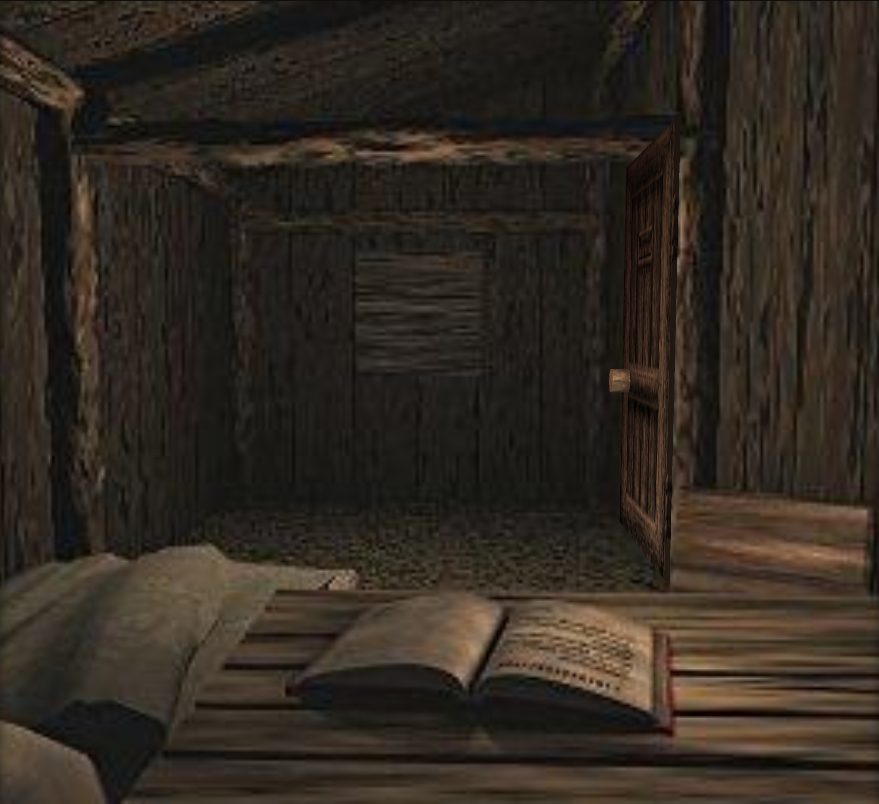
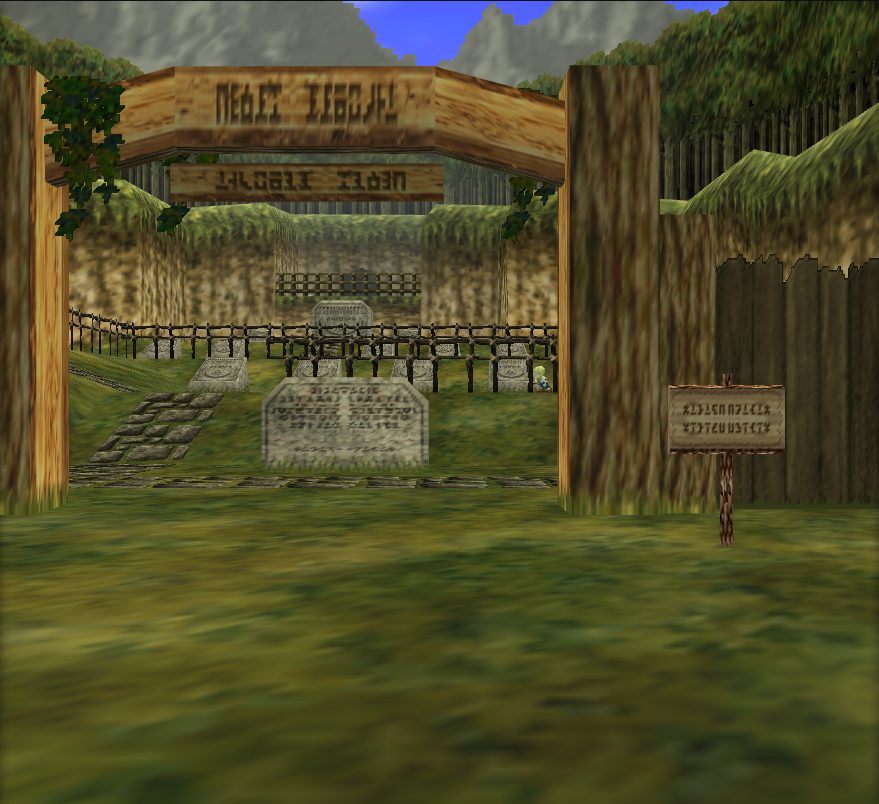
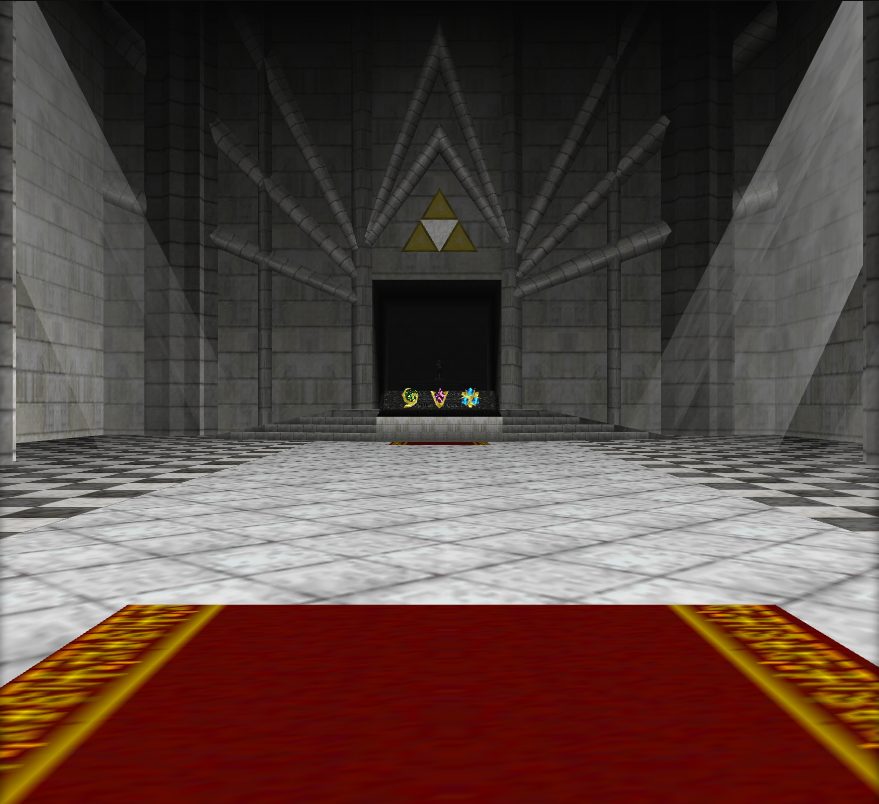
Model
There is no model to replace: this actor draws nothing itself.
Prop actors
Arrow Trap · Beehive · Big Goron Pot · Bird Statue and Wall (Shadow Temple) · Bombchu Bowling Alley Aiming Area · Bombchu Bowling Alley Bullseyes · Bombchu Bowling Alley Final Target · Bombchu Bowling Alley Wall · Bombflower · Bottom of the Well Water Level Changer · Breakable Pot · Broken Drawbridge, Fences · Bronze Boulder · Brown Bird · Brown Bombable Boulder · Bush/Grass · Chunks of Iron Knucle Chair and Pillar · Clear block · Cloud Ring (Death Mountain) · Collectible Items · Cucco · Cucco (Minigames) · Cucco Chick · Dampe's Minigame Collectibles · Dark Link's Illusion Room · Deku Game? · Deku Mask Panel Trigger · Deku Scrub Nut Attack · Dodongo's Cavern Entrance Blocking Rock · Enemy Spawner · Falling Platform (Ganondorf Fight) · False Stone Walls (Gerudo Training Ground) · Flame Circle · Flying Pot · Ganon Battle Rubble · Ganon's Castle Fake Walls · Ganon's Tower Collapsing (Cutscene Objects) · Golden Torch (Poe Sisters) · Goron Jar Lid · Gossip Stone · Great Fairy · Horseback Archery Target · Ice spawned by red ice? frozen actors · Icicles · Ingo's Gates (Lon Lon Ranch) · Invisible Collectible · Iron Knuckles Room Stuff (Spirit Temple) · Lake Hylia Objects · Lake Hylia Sun Hitbox, Big Fairy Spawner · Large Fire Wall (Fire Temple) · Large noisy stone · Liftable Rock · Master Sword · Metal Gate (Water Temple) · Minigame Displayed Items · Obstacle Fence (Lon Lon Ranch) · Ocarina Music Staff Spot · Orange Pot · ovl_En_Scene_Change (broken) · Pierre the Scarecrow Spawn · Proximity Weather Effects · Push Block Puzzles · Pushable Block · Pushable Ice Block (Ice Cavern) · Pushable Square Ice Block (Inside Ganon's Castle) · Pushblock Stop · Rainbow Bridge to Ganon's Castle · Rock/Bush groups · Rolling Boulder · Rolling Boulder (Spirit Temple) · Rotatable Cobra Mirror (Spirit Temple) · Rotating Spiked Log (Deku Tree) · Sacred Forest Meadow Objects · Sages, Balls of Light (Cutscene) · Shadow Temple Fake Walls · Shooting Gallery Game · Shop Items · Shop Shelves · Silver Block (Child Era) · Silver Rupee · Sinking Lava Platform (Ganon's Castle) · Sliding Doors (Goron City) · Sliding Metal Gate · Small Liftable Crate · Sparkling Rupee · Spinning Scythe Trap · Spiral Beams (Great Fairy Fountains) · Square Signpost · Stone Eye (Fire Trap) and Flame · Title Screen Manager · Torch · Treasure Box Shop Minigame · Trees and Bushes · Truth Spinner Puzzle (Shadow Temple) · Uninteractable Flowers, Rocks, Grass · Vertical Ice Bars (Ice Cavern) · Water Vortex Effect (Water Temple) · Web-Blocked Ceiling Hole (Inside Ganon's Castle) · Well Crossbeam (Kakariko Village) · Wooden Flagpole with Red Cloth