Navi Information Spot (Targetable, Green)
Navi Information Spot (Targetable, Green) is a background actor in Ocarina of Time.
Placement
An invisible targetable Navi point — reading its text sets its flag, so it's one-shot unless you leave the flag unset.
Parameters
The parameters hold these fields. The editor shows each as a labelled control.
Shown: 0x0000, the value a newly placed copy starts with.
- Message
bits 0–7: 0–255all 256 values usedThe text this actor shows. Pick a message from the browser, which lists the text of every entry, or add your own. The value stored here is the message id minus this actor's fixed base. - Switch Flag (disappear when set)
bits 8–13: 0–63all 64 values usedOne of the scene's 64 switch flags. Actors that share a number are linked: when one sets it, every actor reading it reacts. Flags 0 to 31 are saved with the game, 32 to 55 reset when you leave the scene, and 56 to 63 reset on every room change. Pick a number nothing else in this scene uses unless you mean to link them. The panel's link list shows who shares it.
Rotation fields
This actor reads these rotation fields as settings, not as a direction. The editor shows each one as a number field.
| Field | Axis | What it does |
|---|---|---|
| Target Range | X | 1 to 7 set how near Link must be to target it: 70, 170, 280, 350, 700, 1000 or 100 units. Other values use 350 units. |
| Flag Condition | Y | N plus 1 removes it once switch flag N is set. N plus 65 waits for flag N. Over 128 waits forever. Minus 1 removes it on room clear. |
| Repeat | Z | 1 keeps the message after it is read, so it can be read again. Any other value removes it. |
Appears in (10)
 Bottom Of The Well
 Deku Tree
 Fire Temple
 Forest Temple
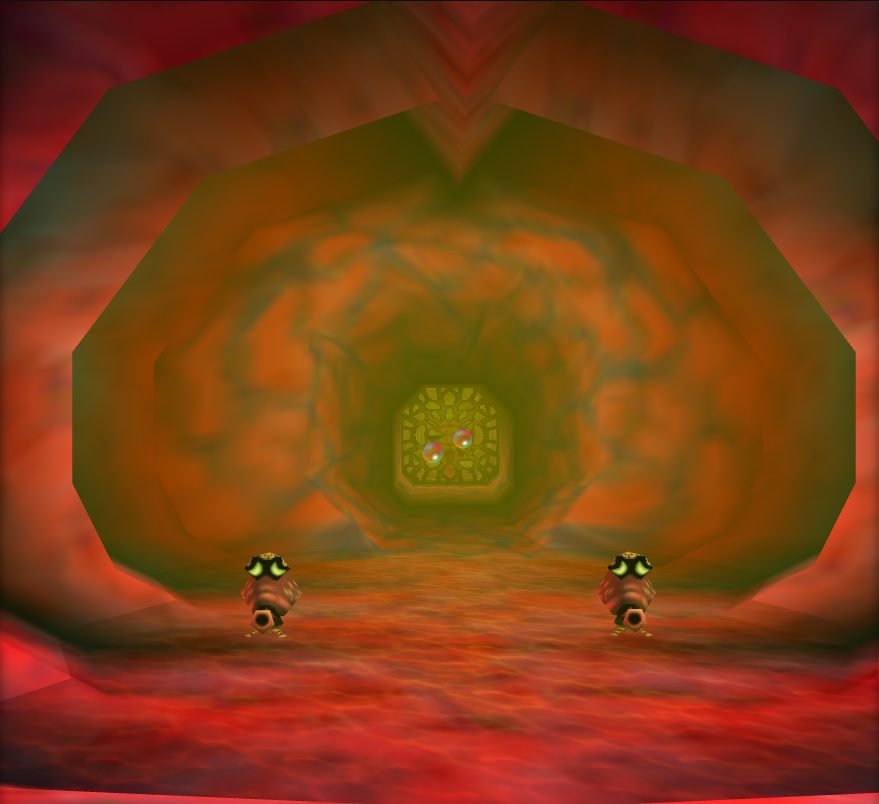 Jabu Jabu
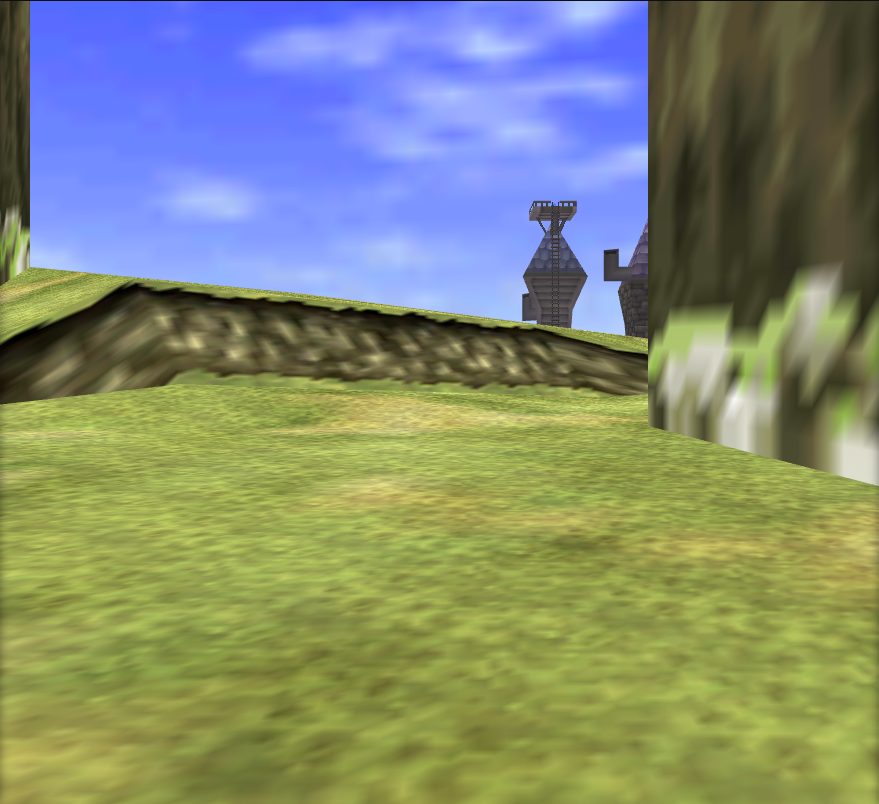 Lake Hylia
 Shadow Temple
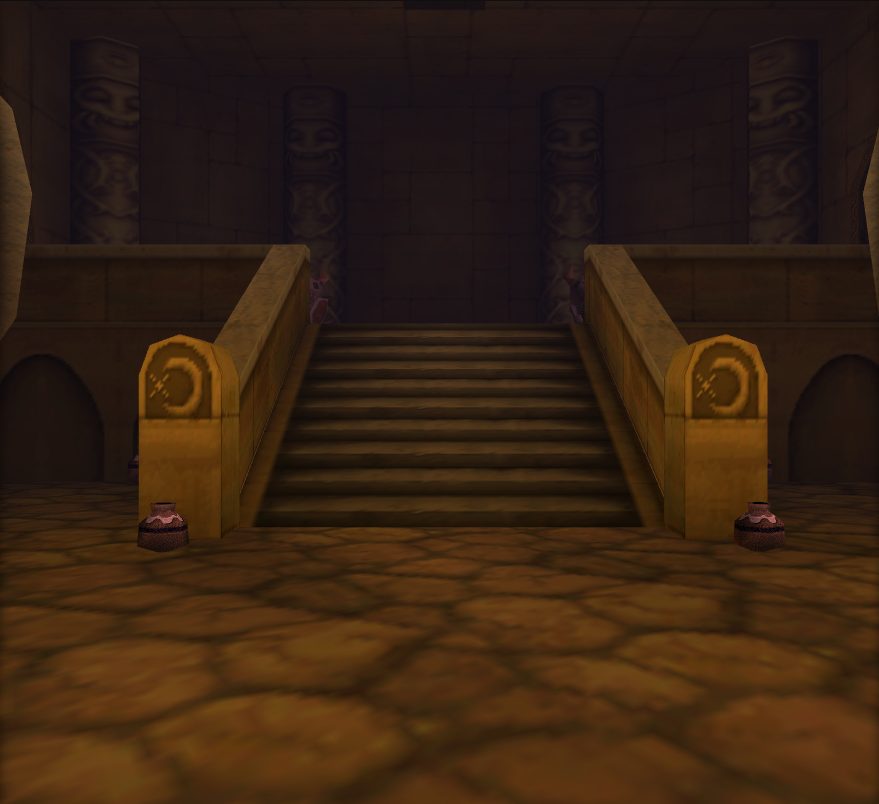 Spirit Temple
 Water Temple
 Windmill And Dampes Grave
Model
Prelude does not yet know what this actor draws. Start with the object below.
Objects loaded
objects/gameplay_keepshared with 105 other actors
An edit to a shared object reaches every actor that loads it.
Background actors
2D Bombable Wall · Ambient Sound Effects · Bean Plant Spot · Bombable Rock Wall (Spirit Temple) · Bombable Stone Wall · Bombable Wall · Bombable Walls (Fire Temple) · Bongo Bongo's Drum · Business Scrub · Chain Platform (Spirit Temple) · Climbable Metal Grating Bridge (Spirit Temple) · Coffin Lid · Cube · Deku Tree Puzzle elements · Destructible Wall (Death Mountain Crater) · Destructible Wall (Desert Colossus) · Destructible Wall (Zora's Fountain) · Dodongo's Cavern Mega Dodongo · Door of Time Collision · Drawbridge Objects · Elevator (Forest Temple) · Eye Statue · Fake Door · Falling Ceiling (Forest Temple) · Forest Temple Objects · Ganondorf's Horse · Gerudo Fortress Training Area Gate · Gerudo Fortress Wooden Gate · Gerudo Valley Objects · Giant Skull Jar (Shadow Temple) · Golden Gauntlets Pillar · Gravestone · Graveyard Actors · Great Deku Tree's Jaw · Hookshot Elevator Platform (Fire Temple) · Horse · Horseback Minigames · Huge Stone Elevator · Huge stone spike platform (Fire Temple) · Ice Platform (Zora's Fountain) · Inside Jabu-Jabu's Belly Objects · Kakariko Village Objects · Ladder (Forest Temple) · Large Circular Mirror (Spirt Temple) · Large Crate · Large Round Platform (Forest Temple) · Light Blocking Rock (Spirit Temple) · Megaton Hammer Statue · Metal Spike Trap · Milk Crate · Oasis (Desert Colossus) · Phantom Ganon's Horse · Platforms (Shadow Temple) · Poe Guide (Haunted Wasteland) · Poe Sisters' Paintings and Puzzle Block · Proximity activated Fire Wall · Red Ice · Rideable Horse · Rising Stone Platform (Dodongo's Cavern) · River Boat (Shadow Temple) · Rotatable Walls (Forest Temple) · Rotating Stone Ring Platform · Rupee Patterns · Shadow Temple Traps · Sliding Circular Metal Grate (Spirit Temple) · Sliding, Climbable Brick Wall (Spirit Temple) · Spinning Stone Flamethrower (Fire Temple) · Spiritual Stones, Medallions, Triforce · Square Collapsing Platform · Stationary Flamethrower Statue (Fire Temple) · Statue (Darunia's Room) · Statue Face (Spirit Temple) · Stone Blocking Entrance to Bottom of the Well · Stone Blocks (Fire Temple) · Stone cube · Stone Elevator (Fire Temple) · Stone Elevator (Spirit Temple) · Stone Hookshot Target · Stone Platform (Fire Temple) · Stone Stairs (Dodongo's Cavern) · Stone Steps and Platforms (Fire Temple) · Temple of Time Objects · Twisted Hallway Rooms · Volvagia Platform · Warp Song Pad · Water Plane (Water Temple) · Water Spout · Water Temple Background Actors · Water Vortex · Webs · Well Water (Forest Temple) · Well Water (Kakariko Village) · Windmill Objects · Windmill Sails (Kakariko Village) · Windows (Temple of Time) · Young Epona · Zelda's Horse · Zora's Domain Waterfall and Ice · Zora's River Waterfall