Navi Message
Navi Message is an item/action actor in Ocarina of Time.
Placement
An invisible Navi-message region: bits 8-13 are its switch flag (0x3F = none) — pre-set kills it, reading the message sets it. The low byte picks the message (0x100 + value), and bit 0x8000 CLEAR forces auto-talk on entry (set = normal C-up prompt).
With Cuboid Trigger Volume on, the game crashes if Link enters the area without Navi. Leave it off to use the cylinder, which is safe.
Parameters
The parameters hold these fields. The editor shows each as a labelled control.
Shown: 0x0000, the value a newly placed copy starts with.
- Message
bits 0–7: 0–255all 256 values usedThe text this actor shows. Pick a message from the browser, which lists the text of every entry, or add your own. The value stored here is the message id minus this actor's fixed base. - Switch Flag (disappear when set)
bits 8–13: 0–63all 64 values usedOne of the scene's 64 switch flags. Actors that share a number are linked: when one sets it, every actor reading it reacts. Flags 0 to 31 are saved with the game, 32 to 55 reset when you leave the scene, and 56 to 63 reset on every room change. Pick a number nothing else in this scene uses unless you mean to link them. The panel's link list shows who shares it. - Cuboid Trigger Volume
bit 14: on / off - Navi Prompt (unset = forced talk)
bit 15: on / off
Rotation fields
This actor reads these rotation fields as settings, not as a direction. The editor shows each one as a number field.
| Field | Axis | What it does |
|---|---|---|
| Trigger Radius | X | Link triggers it within 4 units times this number. 0 means 40 units. A cuboid reaches this far along X and Z. |
| Flag Condition | Y | N plus 1 removes it once switch flag N is set. N plus 65 waits for flag N. Minus 1 removes it on room clear. |
| Height | Z | The trigger area's height above the spot, 4 units times this number. 0 means 40 units. |
Appears in (11)
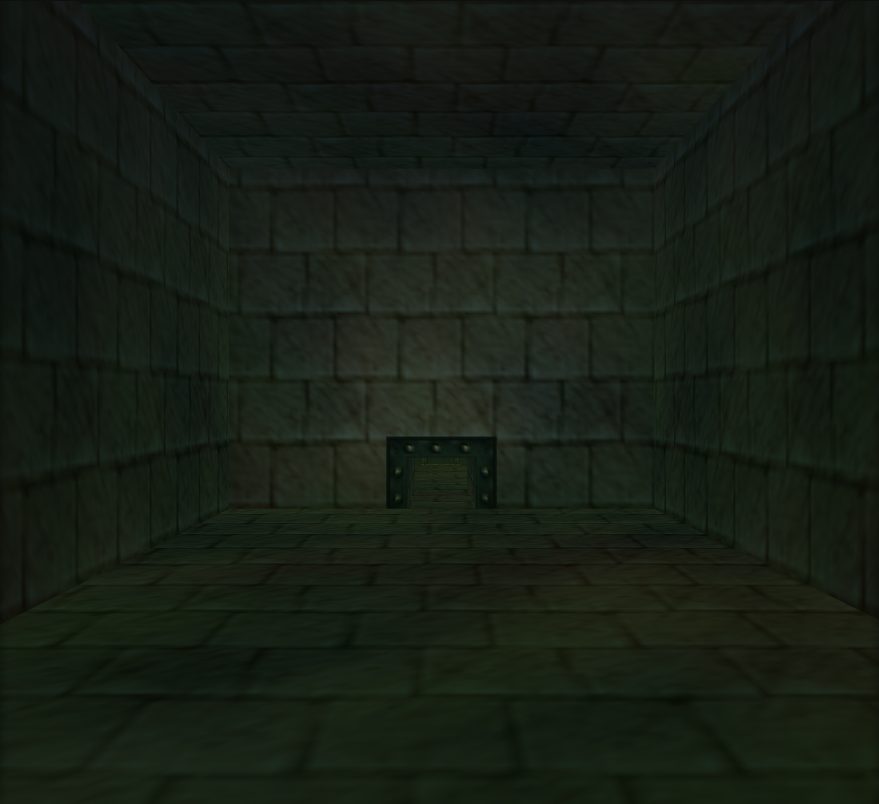 Bottom Of The Well
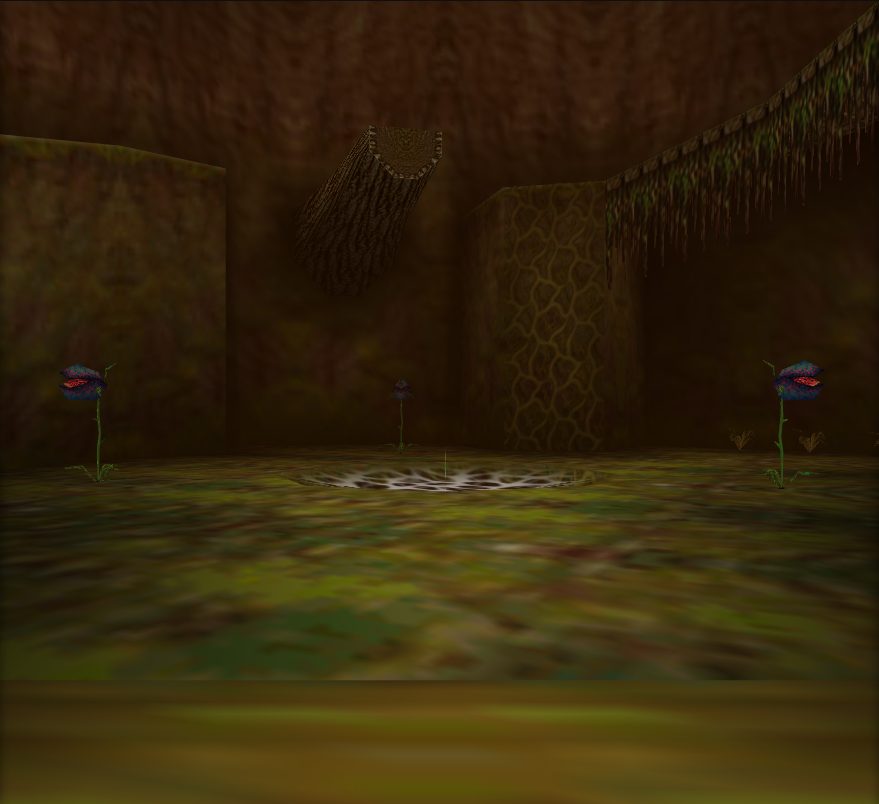 Deku Tree
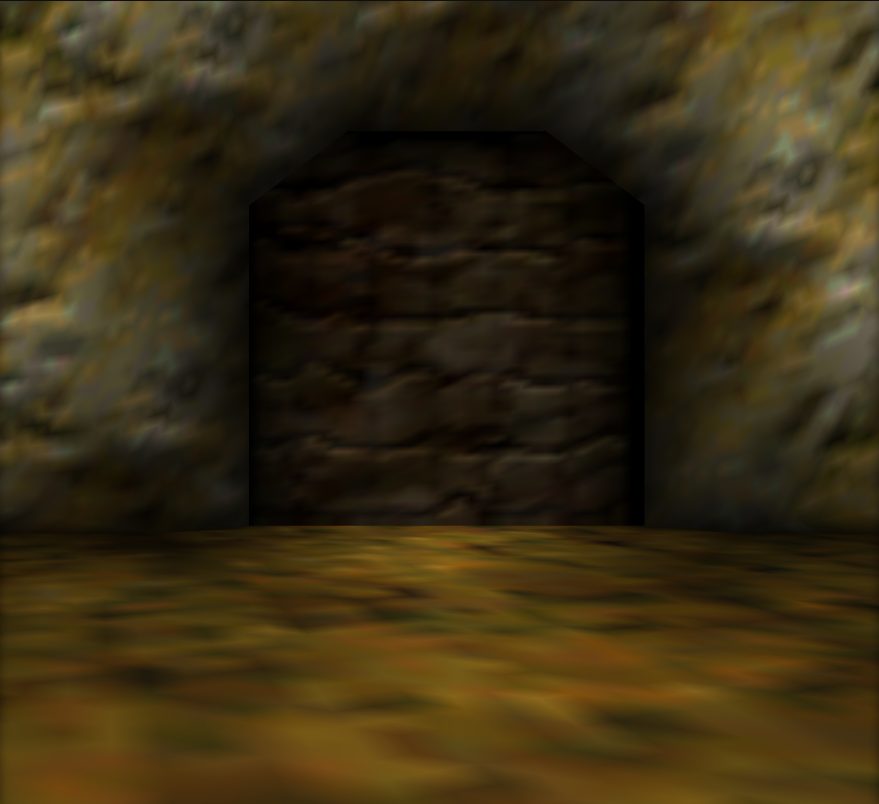 Dodongos Cavern
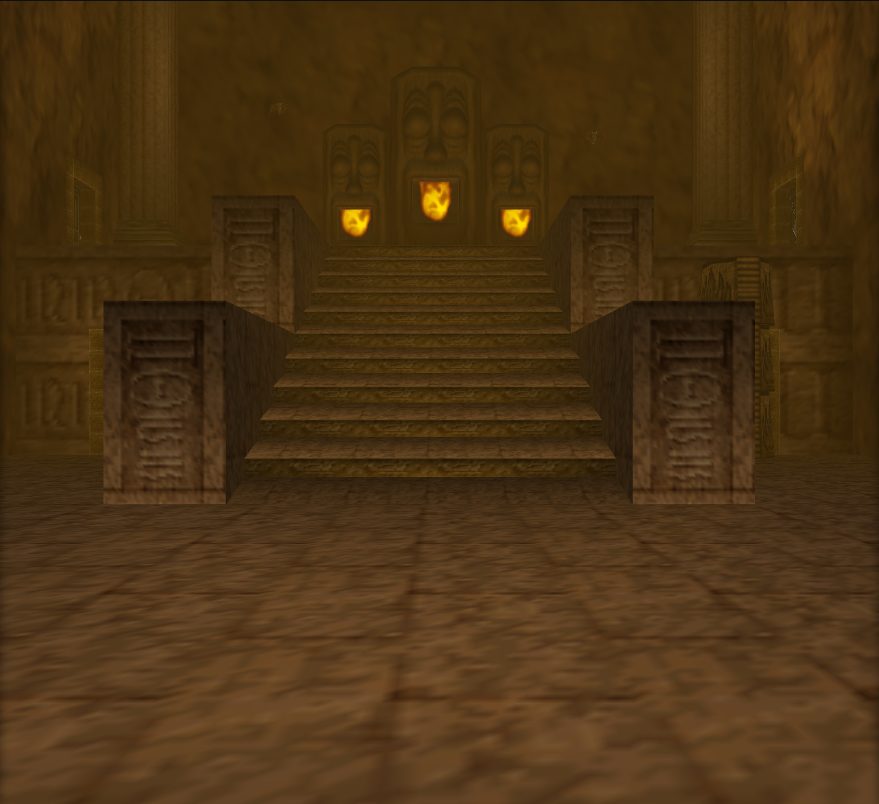 Fire Temple
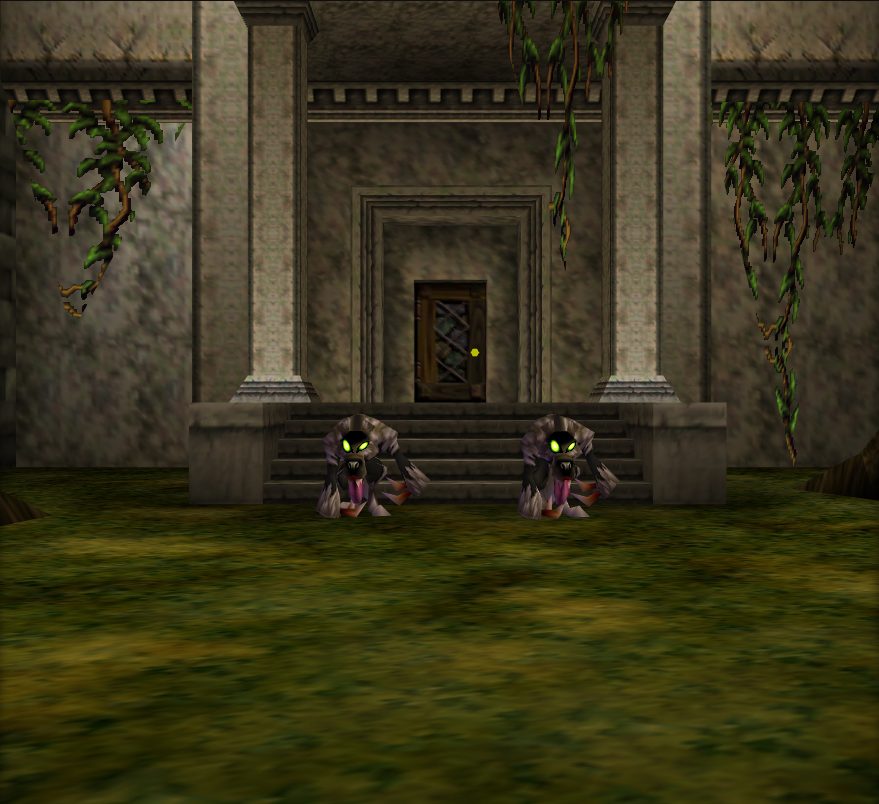 Forest Temple
 Ice Cavern
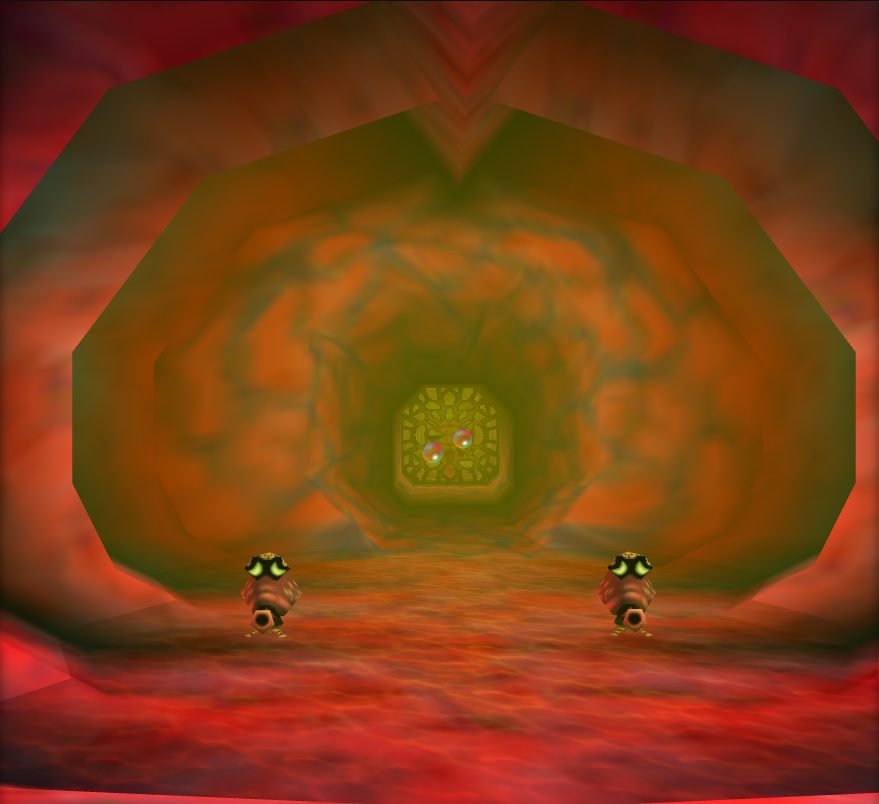 Jabu Jabu
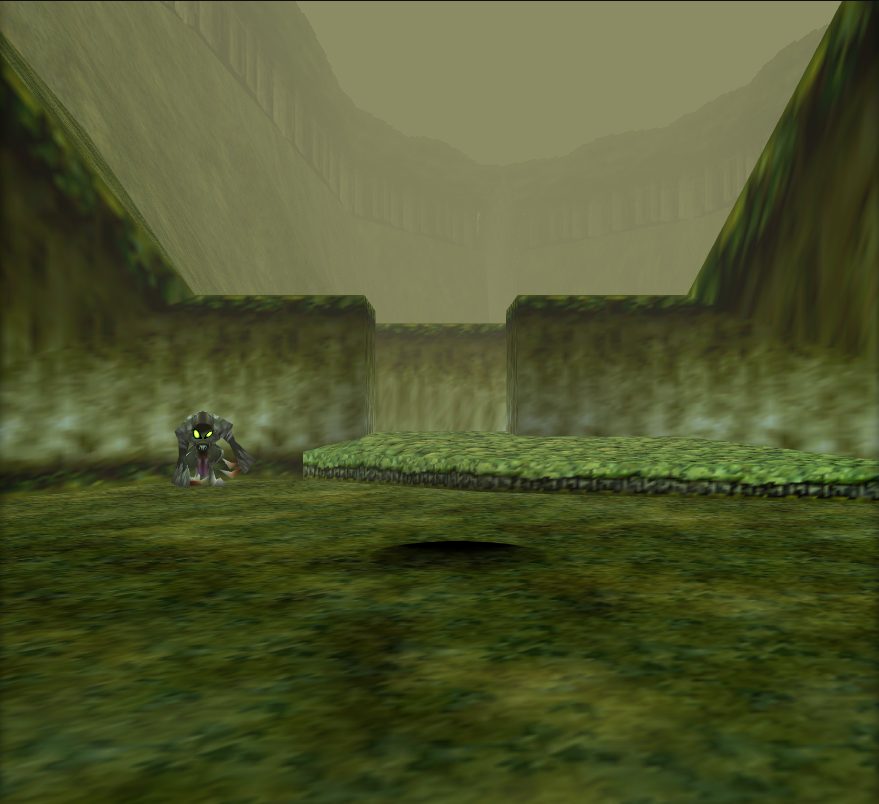 Sacred Forest Meadow
 Shadow Temple
 Spirit Temple
 Water Temple
Model
Prelude does not yet know what this actor draws. Start with the object below.
Objects loaded
objects/gameplay_keepshared with 105 other actors
An edit to a shared object reaches every actor that loads it.
Item/Action actors
Arrow · Blue Fire Flames · Body Parts · Bongo Bongo's Shadow · Bugs · Butterfly · Cell Door (Gerudo Fortress) · Cutscene Actors · Decorative Flames · Deku Shield · Dialog Spot · Din's Fire · Environmental Effects · Epona's Song Ocarina Effect · Fairy · Farore's Wind · Fire Arrow · Fish · Fish, Bugs, Butterflies Group Spawner · Ganon's Tower Magic Barriers · Gate to Death Mountain Trail · Gold Skulltula Token · Grotto Entrance · Grotto Treasure Chest · Hookshot · Hyrule Castle Gate · Ice Arrow · Lava Particle Fountain (Death Mountain panorama) · Light Arrow · Lord Jabu-Jabu · Navi Infospot (Green, Time Block) · Nayru's Love · Ocarina of Time · Reflectable Light Beam · Saria's Song Ocarina Effect · Scarecrow's Song Ocarina Effect · Skulltula Sprouting from Bean Spot · Song of Storm Ocarina Effect · Song of Storms Storm Manager · Spin Attack · Sun's Song Effect · The End message · Time Block · Treasure Chest Light · Void-out Trigger (Tower Collapse) · Warp Portal · Zelda's Lullaby and Song of Time Ocarina Effect