Room changing plane
Room changing plane is the invisible boundary in an open doorway or hallway that loads the next room as Link walks through it in Ocarina of Time.
Placement
Prelude places this actor between two rooms, not inside one. Pick both rooms when you place it. It draws nothing in the game, and it needs no object of its own.
Plane Type variants (7)
This actor is placed in one of these forms. Pick it from the editor's Plane Type dropdown. The value is what the actor's parameters store.
| Value | Plane Type | |
|---|---|---|
| Invisible as placed | 0 | Fading wallThe only form you can see. A black plane fades in as Link approaches and fades out once he is through. Open doorways use this. |
| Invisible as placed | 1 | Hole, pulls Link inA floor plane for a drop between floors. When Link is within 95 units of its height it pulls him to its center, stops him, and loads the back room with a screen fade. |
| Invisible as placed | 2 | Hole, silentA floor plane. Loads the room on Link's side of it, front above and back below, with no screen fade. |
| Invisible as placed | 3 | Switch-gated wallDoes nothing until its switch flag is set. Then it works like Instant wall, with a screen fade. |
| Invisible as placed | 4 | Instant wall, wideLoads the next room the moment Link crosses. Twice as wide as the other walls. |
| Invisible as placed | 5 | Hole, fadingA floor plane. Like Hole, silent, with a screen fade as Link nears its height. |
| Invisible as placed | 6 | Instant wallLoads the next room the moment Link crosses. |
Parameters
Beyond the plane type above, the parameters hold these fields. The editor shows each as a labelled control.
Shown: 0x0000, the value a newly placed copy starts with.
- Transition Index
bits 10–15: 0–63all 64 values usedWhich entry of the scene's door list this actor uses. The entry names the two rooms it sits between and the camera used walking through. Prelude sets it when you pick the rooms, so leave it alone. A value past the end of the list crashes the game. - Plane Type
bits 6–8:0Fading wall,1Hole, pulls Link in,2Hole, silent,3Switch-gated wall,4Instant wall, wide,5Hole, fading,6Instant wall7 of 8 values usedAn invisible wall, or floor for the Hole types, that swaps rooms when Link crosses it. Open doorways and hallways use it instead of a door. A wall reaches about 100 units to each side and 200 units up from where the actor stands. - Switch Flag
bits 0–5: 0–63. Read when Plane Type is Switch-gated wall.all 64 values usedOne of the scene's 64 switch flags. Actors that share a number are linked: when one sets it, every actor reading it reacts. Flags 0 to 31 are saved with the game, 32 to 55 reset when you leave the scene, and 56 to 63 reset on every room change. Pick a number nothing else in this scene uses unless you mean to link them. The panel's link list shows who shares it.
Appears in (26)
 Bottom Of The Well
 Death Mountain Crater
 Deku Tree
 Dodongos Cavern
 Fire Temple
 Forest Temple
 Ganons Tower Collapse Interior
 Gerudo Training Ground
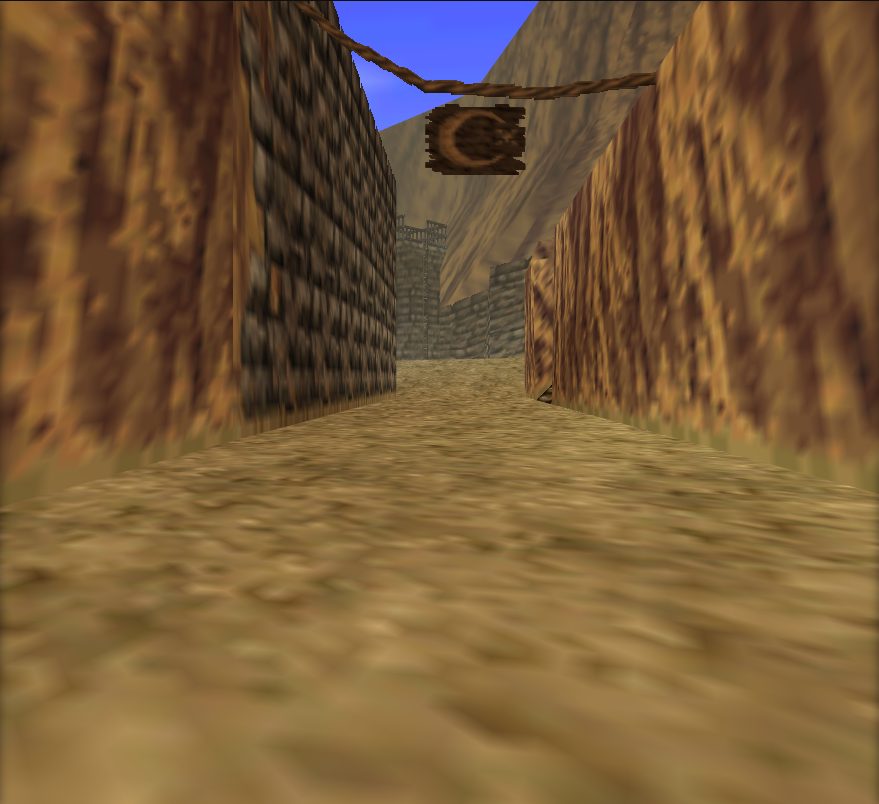 Gerudos Fortress
 Goron City
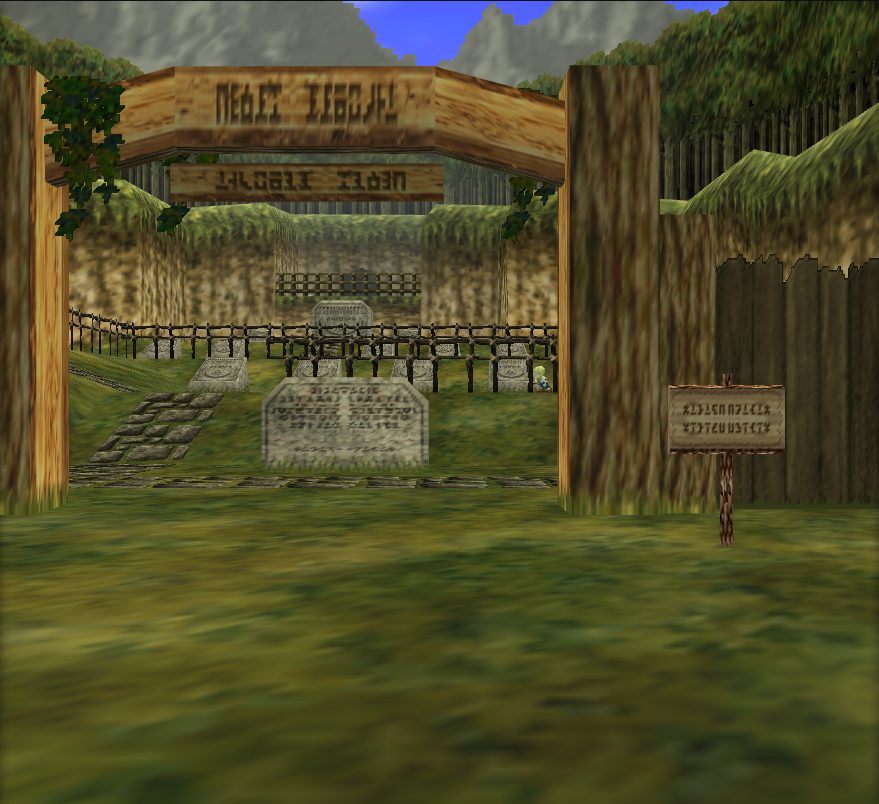 Graveyard
 Haunted Wasteland
 Ice Cavern
 Inside Ganons Castle
 Inside Ganons Castle Collapse
 Jabu Jabu
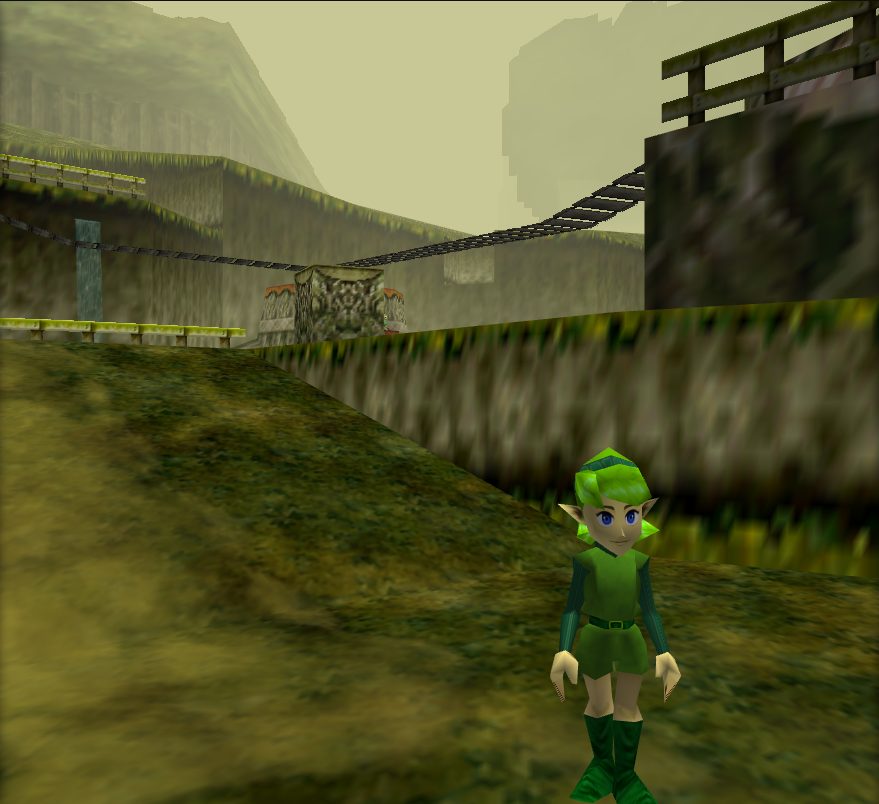 Kokiri Forest
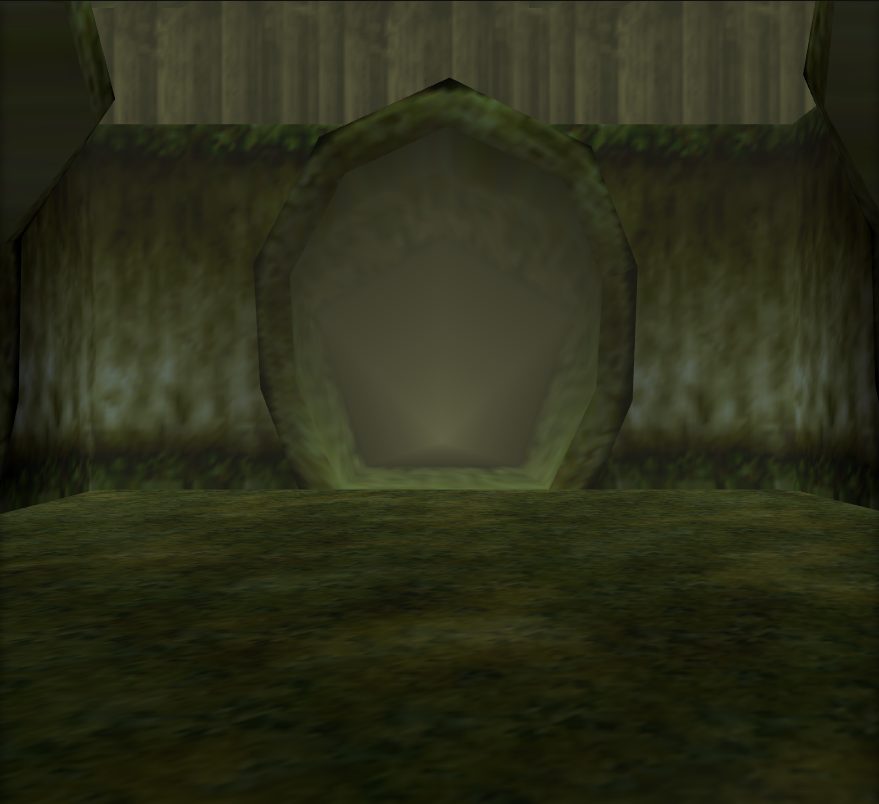 Lost Woods
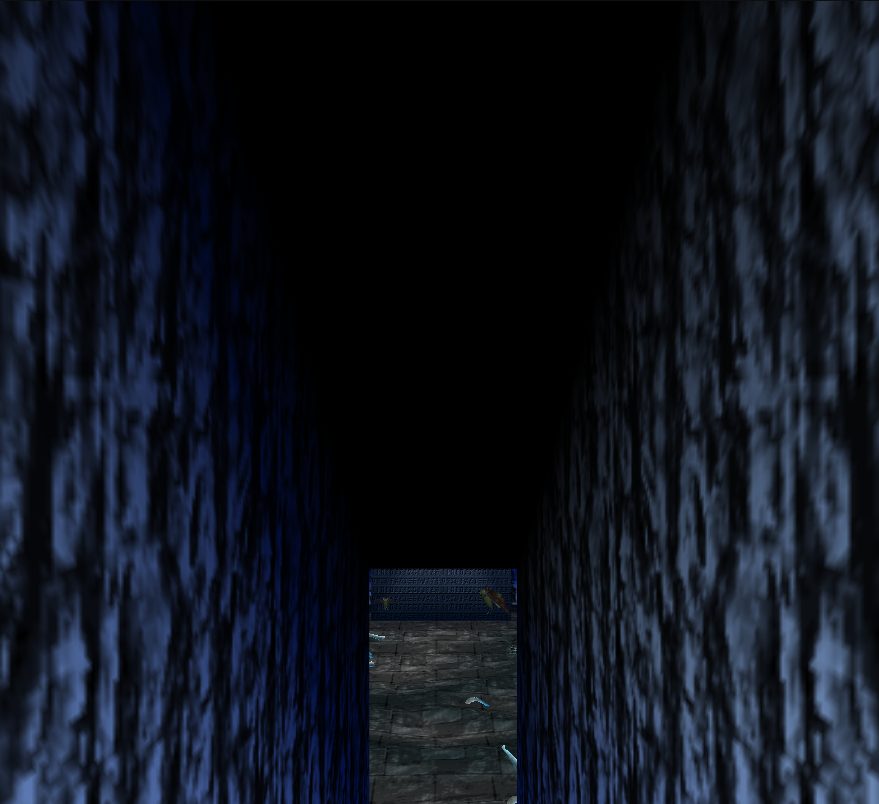 Royal Familys Tomb
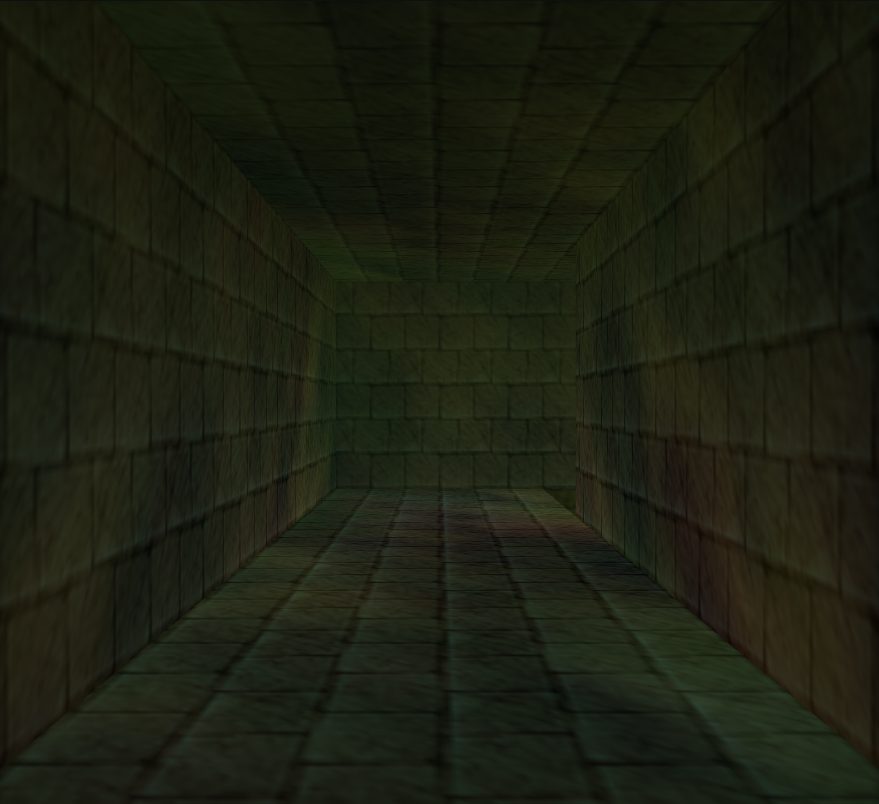 Shadow Temple
 Spirit Temple
 Temple Of Time
 Water Temple
 Windmill And Dampes Grave
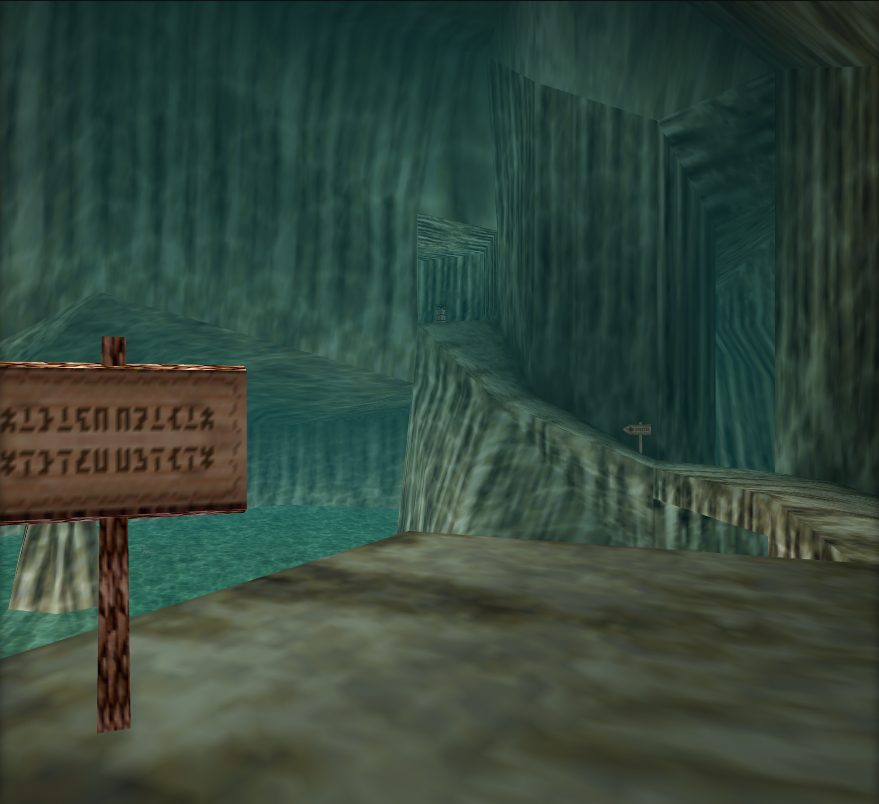 Zoras Domain
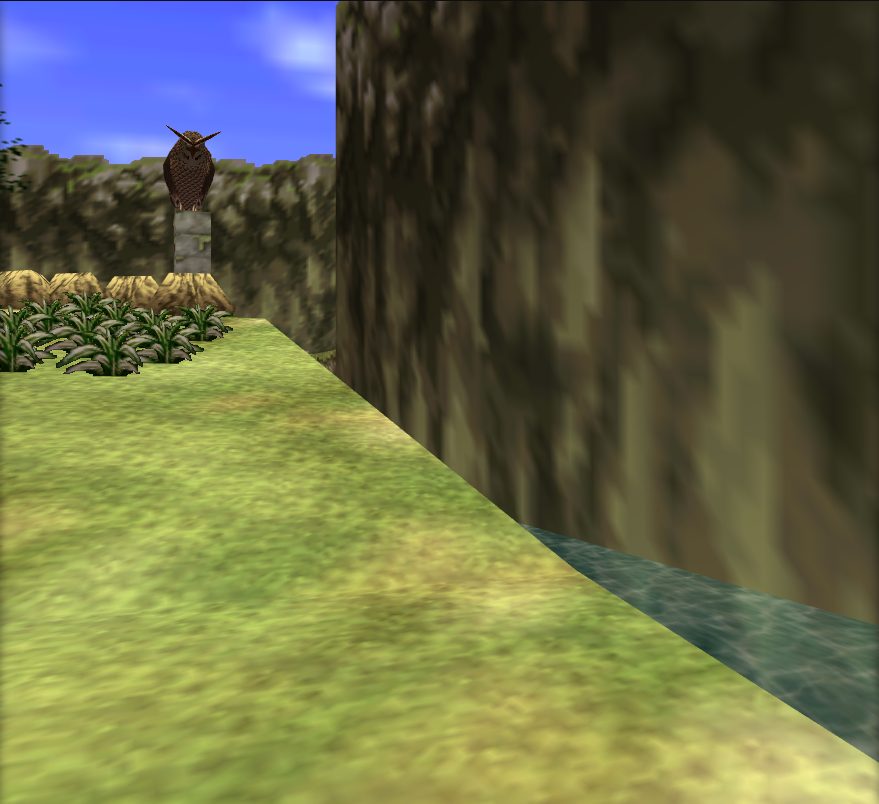 Zoras River
Model
What this actor draws, and where each piece lives in the archive. A mod replaces a piece by writing a file at the same path.
| Display list | overlays/ovl_En_Holl/sPlaneDL |
|---|
Objects loaded
objects/gameplay_keepshared with 105 other actors
An edit to a shared object reaches every actor that loads it.
Also carried in the overlay (1)
The actor's code carries these resources itself, instead of an object.
overlays/ovl_En_Holl/sPlaneVtx