Prelude
Mod and play Ship of Harkinian right here in the browser. Open your copy of Ocarina of Time. Change its scenes, actors, text and music. Export a mod, or play the game with your changes in it.
Nothing to install. Your game files never leave your computer.
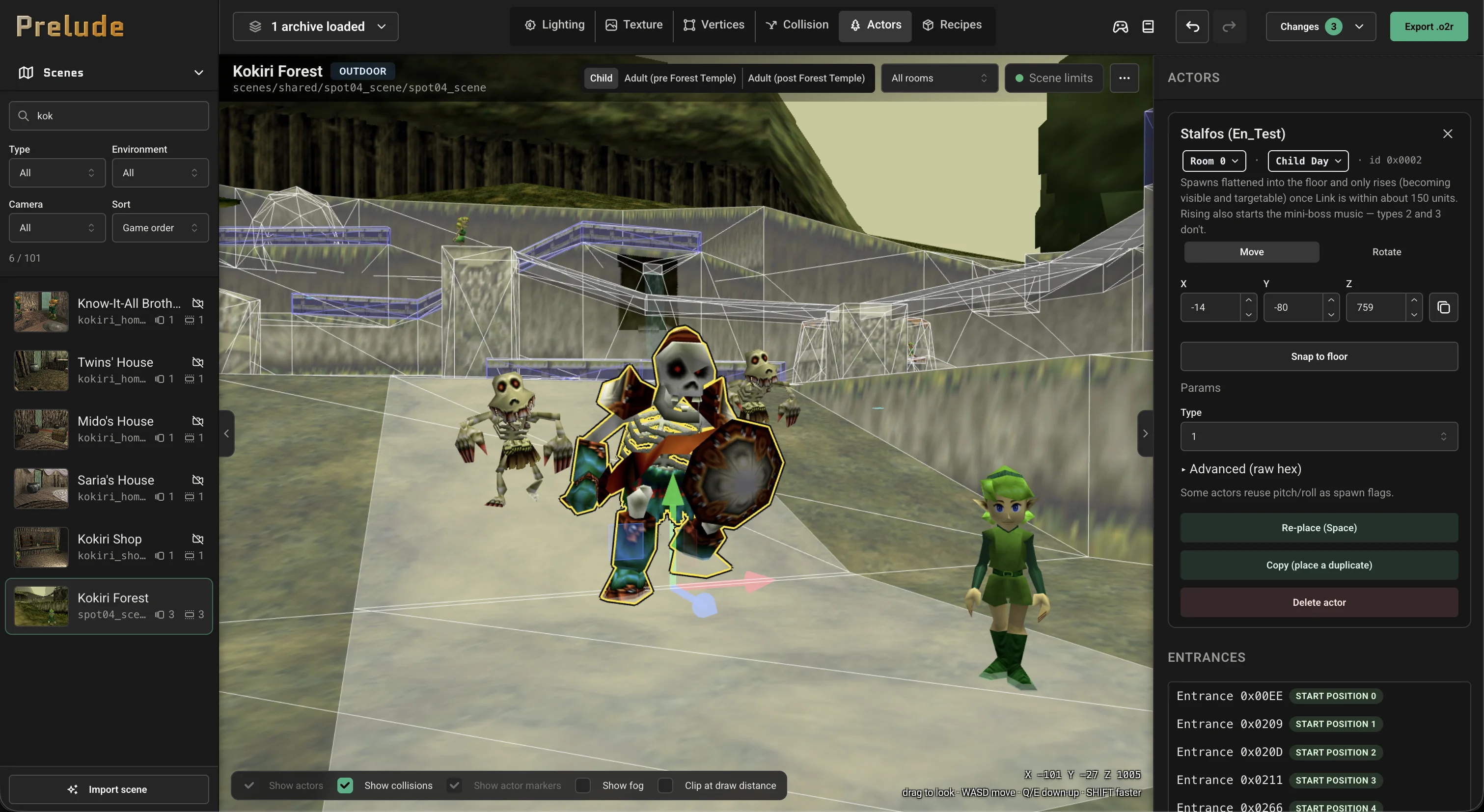
Three steps to your first mod
Prelude includes no game files. Bring your own and it stays in this browser, so you do this once.
- Get your game file
Use your Ocarina of Time ROM, or the
oot.o2rthat Ship of Harkinian made from it. - Pick a scene and edit
Lighting, textures, geometry, collision, actors, text and music. Prelude saves your work as you go.
- Export or play
Put the
.o2rin Ship of Harkinian'smodsfolder and turn it on in the Mods menu, or play it in this browser.
Play Ocarina of Time in your browser
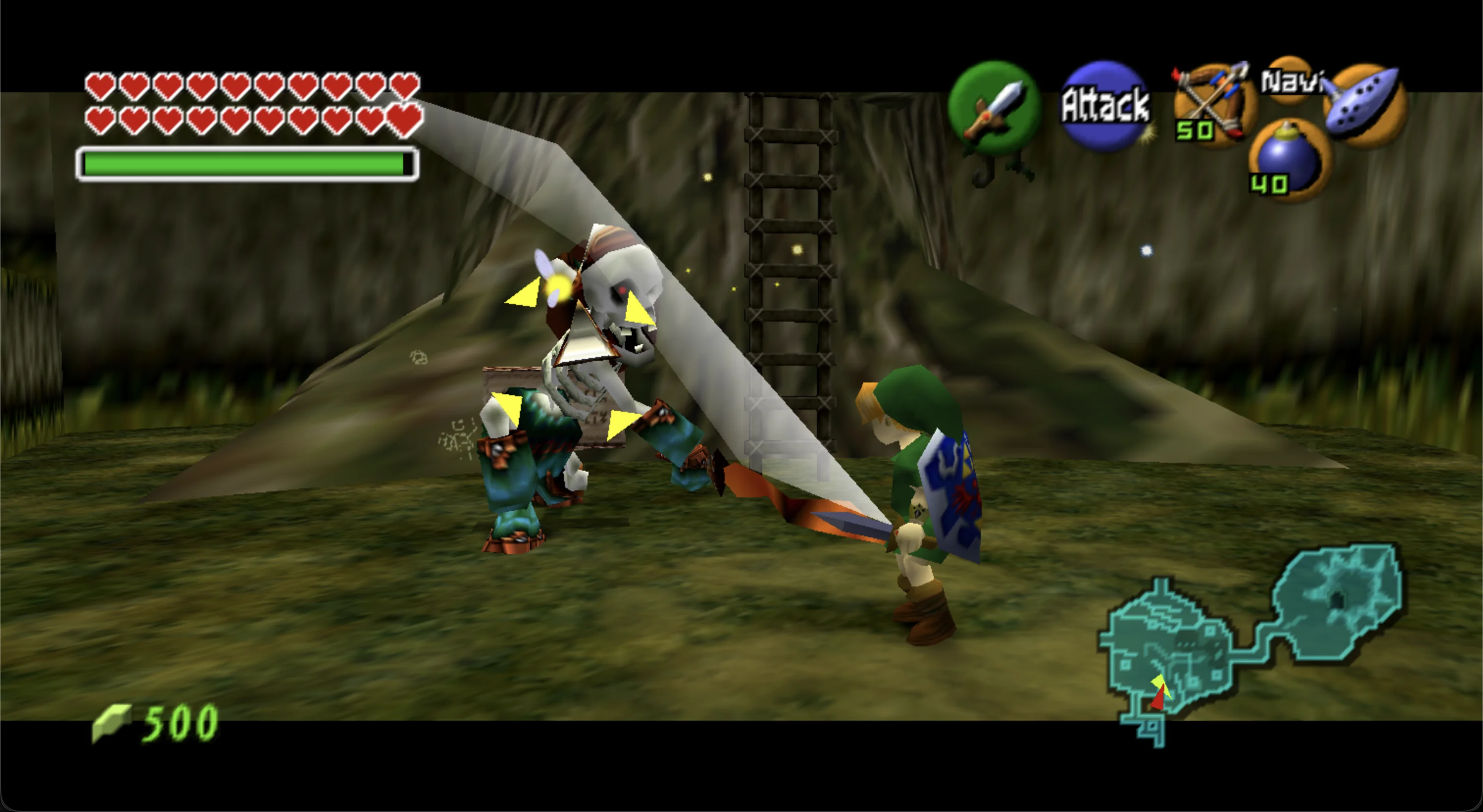
Import your ROM or oot.o2r and play. Your changes from the editor are in the game, and the
gamepad button in the editor's top bar opens it in a new tab.
Everything a scene is made of
Lighting
Change light colors, fog and the sky for each setup.
Textures
Replace a texture, including with a sharper one. Point a surface at a different texture, or change how it tiles.
Geometry
Move, recolor and re-texture scene vertices. Add panels, boxes, rooms, water and door walls from ready-made recipes.
Collision
Change what a surface does, move collision, and add water.
Actors and doors
Place, move and set up actors in any room and setup. Connect switches, doors and chests without writing code.
Paths
Change the routes that characters walk.
Exits
Change where a scene's exits lead, and link warps to new scenes.
Actor models
Retexture an actor everywhere in the game. Take posed pictures and animations in the Image studio.
Link
Retexture Link, and change the poses on the pause screen.
Text
Edit any dialog, sign or message, or add new ones.
Music
Add songs from your own audio files. They appear in Ship of Harkinian's Audio Editor.
Whole scenes
Import a .glb from Blender as a new scene, or use it to replace a scene in the game.
Every actor and scene has a reference page in the wiki, which also lists what Prelude
cannot do yet. Prelude edits Majora's Mask for
2 Ship 2 Harkinian too, with fewer
features. For that game, use the mm.o2r that 2 Ship 2 Harkinian makes.